標籤

2010年10月25日 星期一

Lab 23

1. Use Firefox Accessibility Extension to identify the accessibility failures and warnings in http://google.com
2. Fix the failures you found.

修改前

 修改後

Lab 22

Use Firefox Accessibility Extension to check the accessibility of three sites that you visit most.
Report the summary of all the errors and warnings for each site.

1.facebook

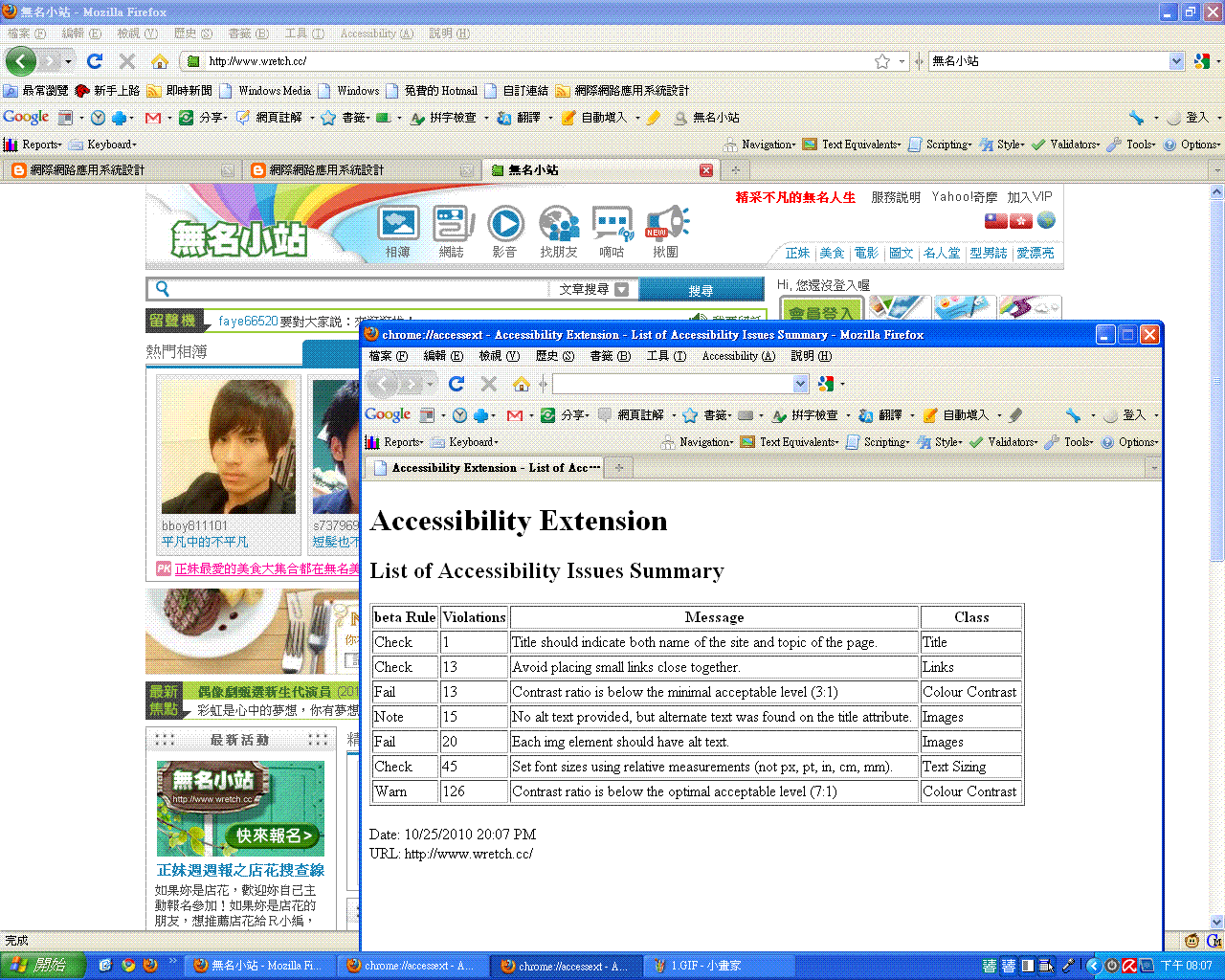
2.無名小站

3.Yahoo

期中報告

網際網路應用系統設計草案
10.25.2010

定位  架設網站期中報告

目標 
使用Google Sites 架設網站,主題可以環繞你所參加的社團, 你的家鄉或社區, 你的分享與關心,你的朋友,高中同學,電影,音樂,學業,生涯,內容並包含創新、資訊完整性、美學、網站邏輯架構、線上服務功能等性質。


背景
在小時候從網路新起的時代,腦子裡就會有疑問,網站是怎來的,如何創建,如何經營,經由這次作業自己動手架設網站。

1.主題:最近開始的MLB季後賽,打得精彩火熱
2.資訊完整性:從歷史,規則,賽制了解比賽
3.網站邏輯架構:條列式顯示,一看明瞭
4.線上服務功能:提供留言服務


My Google Site:https://sites.google.com/site/sportmlb/

2010年10月18日 星期一

Lab 21

1. Study what an ALT tag is.
2. Use KompoZer to edit the following homepage
at http://bloggercamp.blogspot.com/2007/01/2007.html

You can copy and paste the content to your KompoZer.

3. Save your editings and preview your webpage using Firefox

4. Make the webpage accessible by
adding ALT text to the images.

5. Go to the Firefox Add-ons site for Firefox Accessibility Extension

6. Click the "Install now" button on the add-ons website

7. Check whether you can see the ALT text for the images by selecting the "Show Text Equivalent" function.

Lab 20

Headings
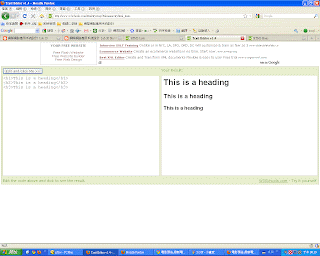
1. Copy and paste the Headings example athttp://www.w3schools.com/html/html_primary.asp
2. Enter http://www.w3schools.com/html/tryit.asp?filename=tryhtml_basic
3. What kind of effects can you see?

Lists
4. Copy and paste the Headings example athttp://www.w3schools.com/html/html_lists.asp
5. Enter http://www.w3schools.com/html/tryit.asp?filename=tryhtml_basic
6. What kind of effects can you see?

<h1><h2><h3>讓字體依照順序越來越小

</li>使標題有條列式的圓點出現

Lab 19

Preparation

1. Using Microsoft Notepad, Copy and paste the HTML example at Introduction to HTML
2. Save the file as myfile.html
3. Open the file using Firefox.

New editor
4. Enter http://www.w3schools.com/html/tryit.asp?filename=tryhtml_basic
5. Copy and paste the HTML example at Introduction to HTML
6. Verify your results on the screen.


Lab 18

Install Google Browser Google Chrome and Firefox 3.0, try a few websites and compare their performance. For example, youtube, blogspot, msn, and yahoo.


Google Chrome
1.選單列隱藏在左邊功能鍵裡,有較大的瀏覽網頁檢視面
2.有內建Adobe Flash Player 
3.外觀簡單不失風趣
Firefox
1.有出很多套件可以輔助使用上的不足
2.右下角會有讀取網頁的進度的顯示
3.原本的功能強大也較類似IE